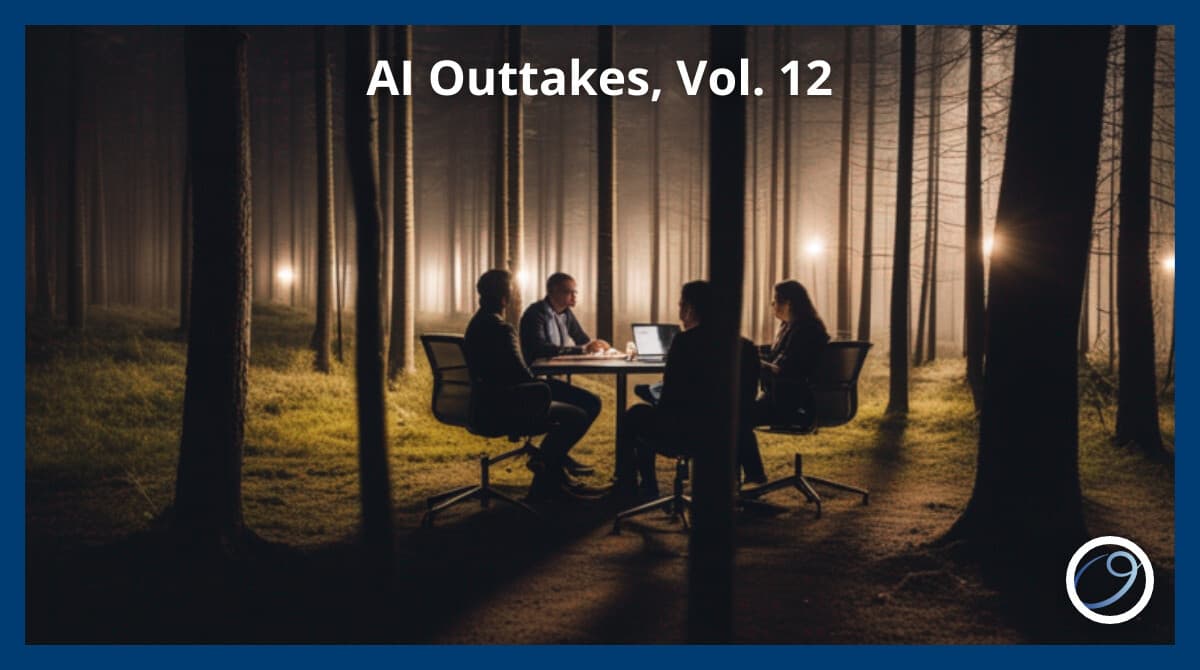
AI Outtakes, Vol. 12

Jim Wrubel
CEO, Orchestra AI · November 20, 2023
In this article, the author explores the process of generating images using AI and shares tips for creating consistent and stylized images for marketing purposes.
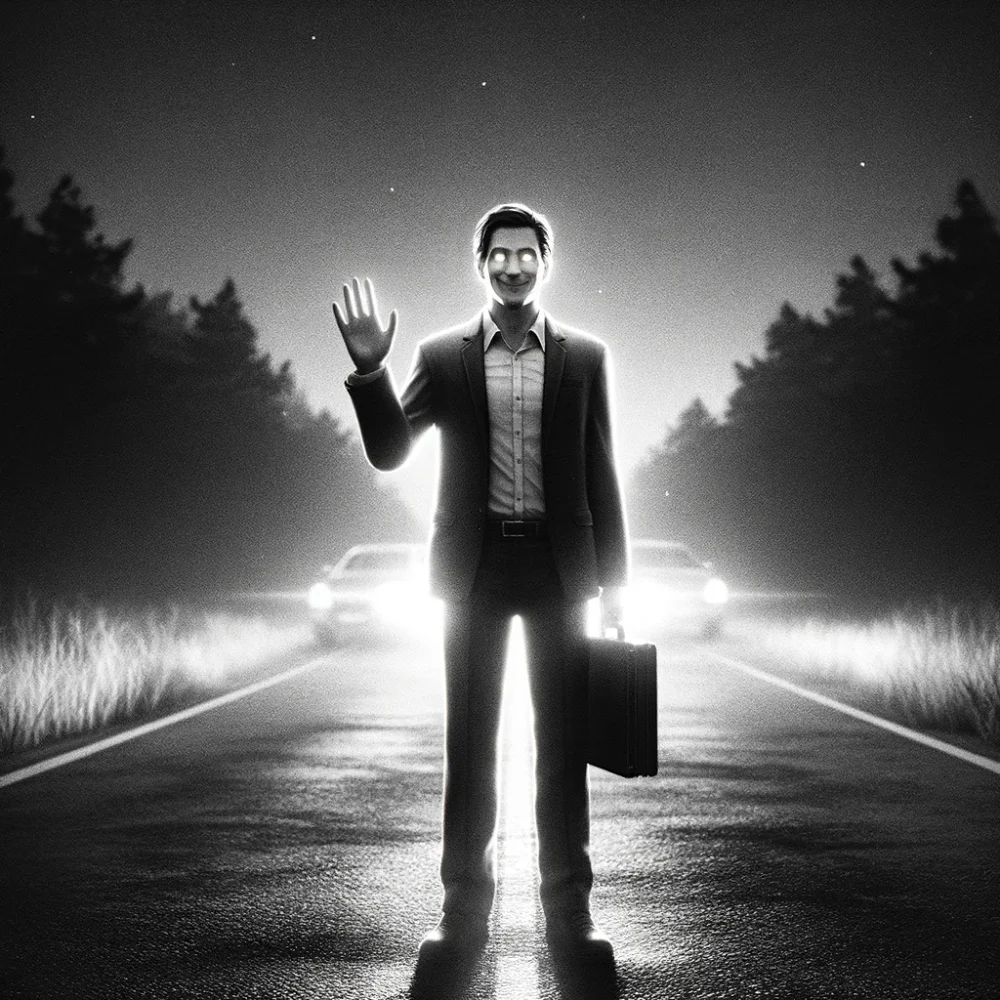
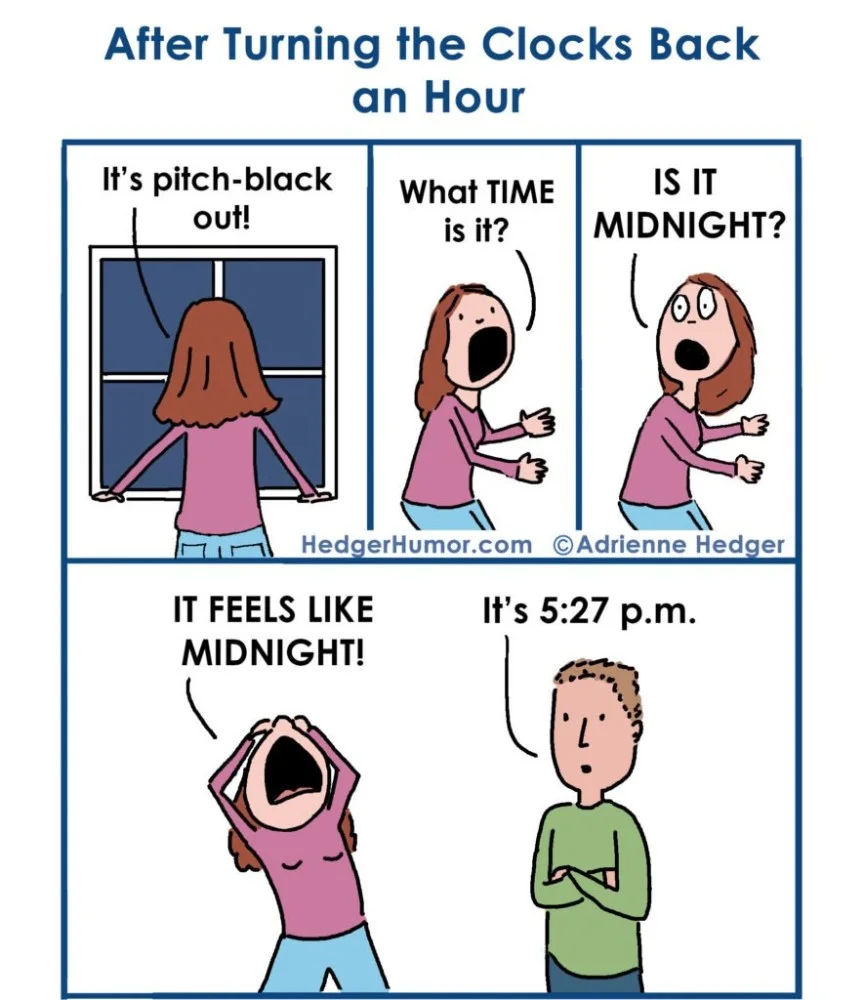
In (most of) the U.S. this week marks the end of Daylight Savings Time. This means a few days (or weeks) of either being this person or listening to them:
I've covered a lot of topics here at AI outtakes but one that we actually haven't generated any images at night. This is because most of the images we generate through Orchestra AI are intended to accompany business marketing materials, and until we start working with a flashlight company night's just not going to be a priority.
I recall in the very early days of AI image generation a couple of social media posts made the rounds purporting to be AI generated images featuring dashcam footage of Gwyneth Paltrow:
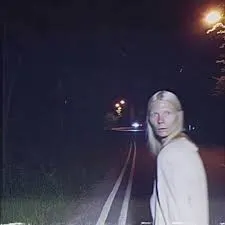
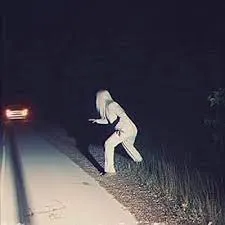
These image generation models have gotten better so let's see how they handle night scenes!
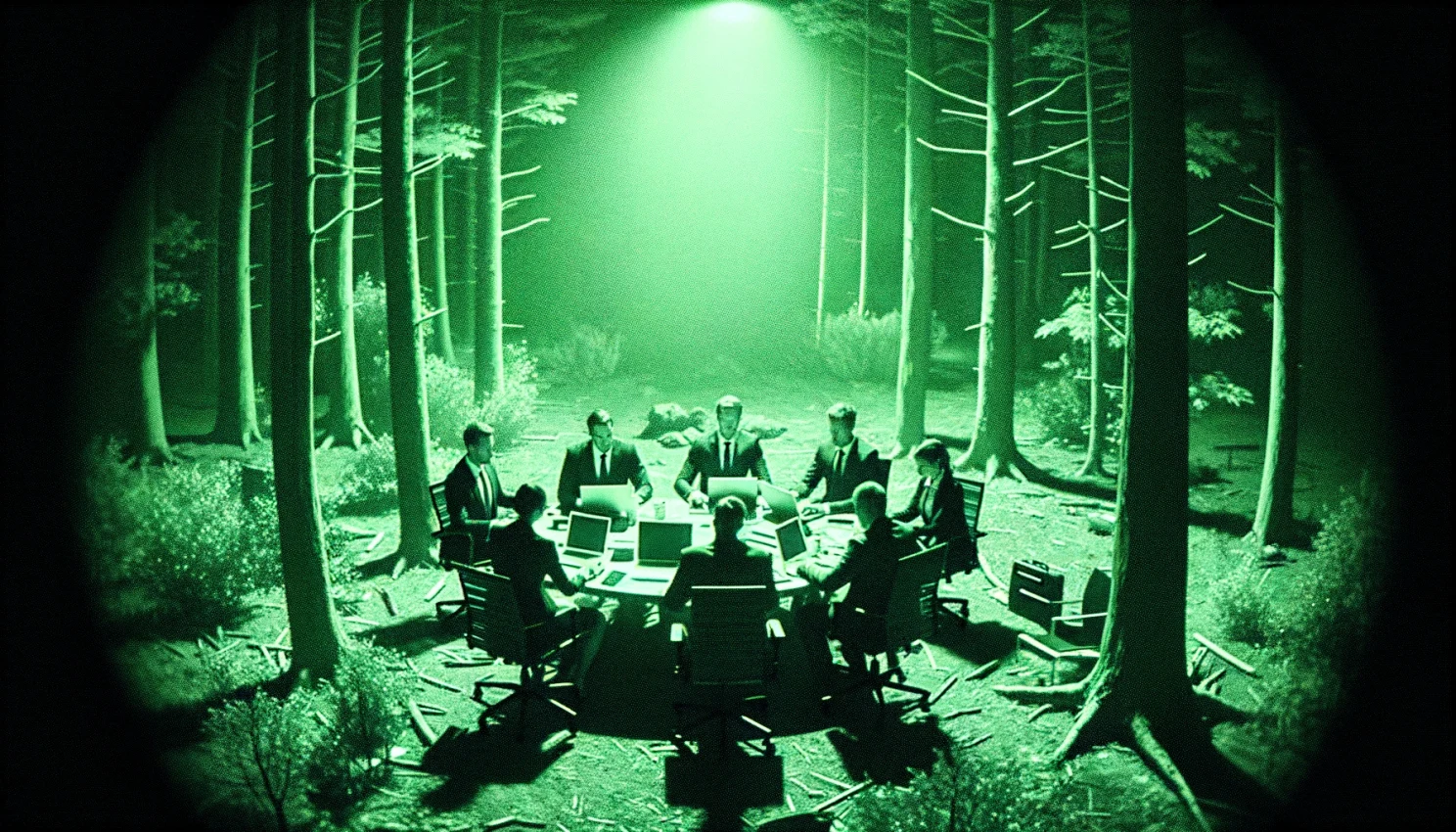
night vision security camera footage of office workers having a business meeting in the forest
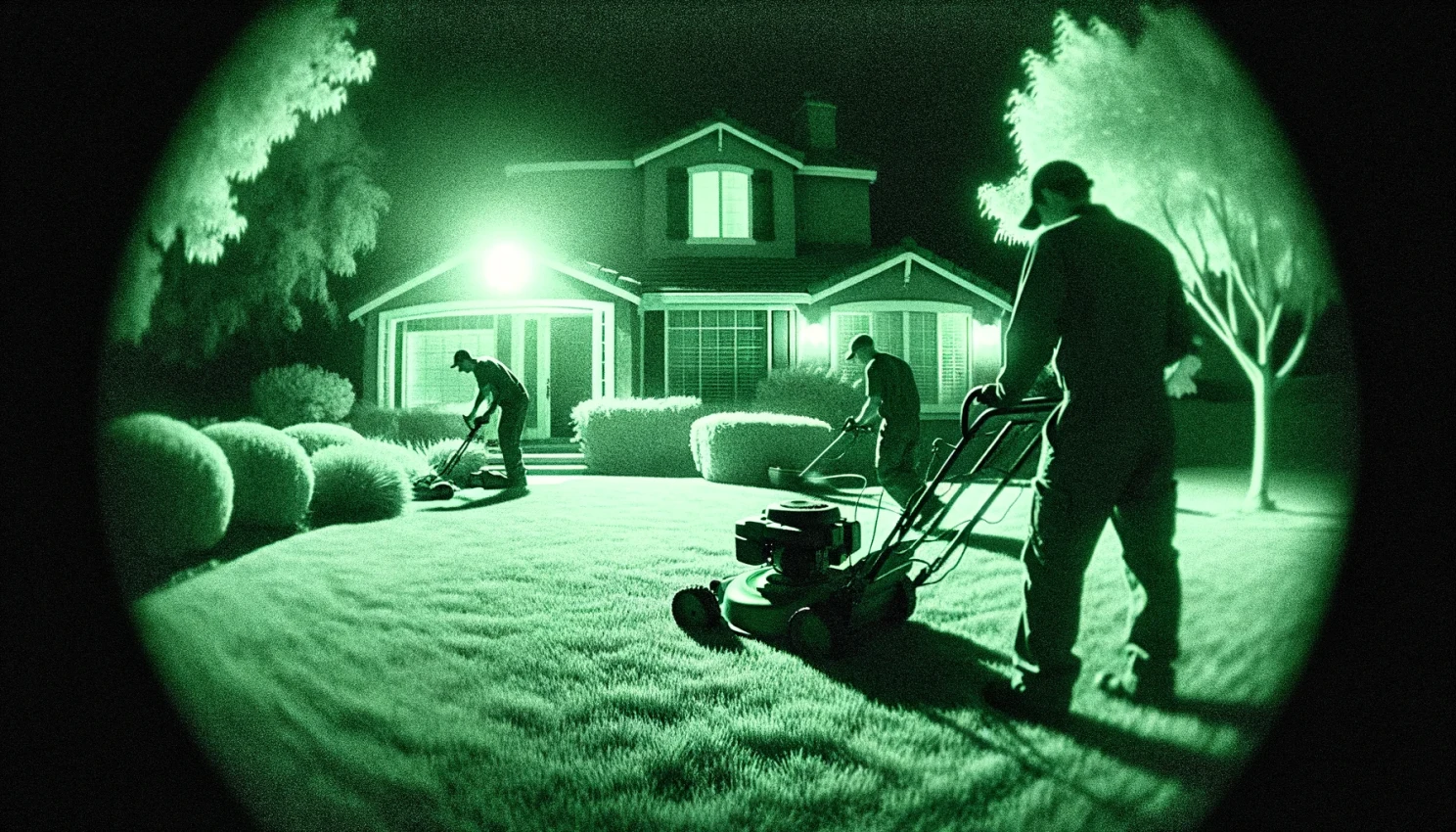
night vision camera photo of a lawn crew trimming bushes and mowing the lawn in front of a house
Okay let's try some prompts to capture the spirit of the intense hatred that some people have for the early darkness.
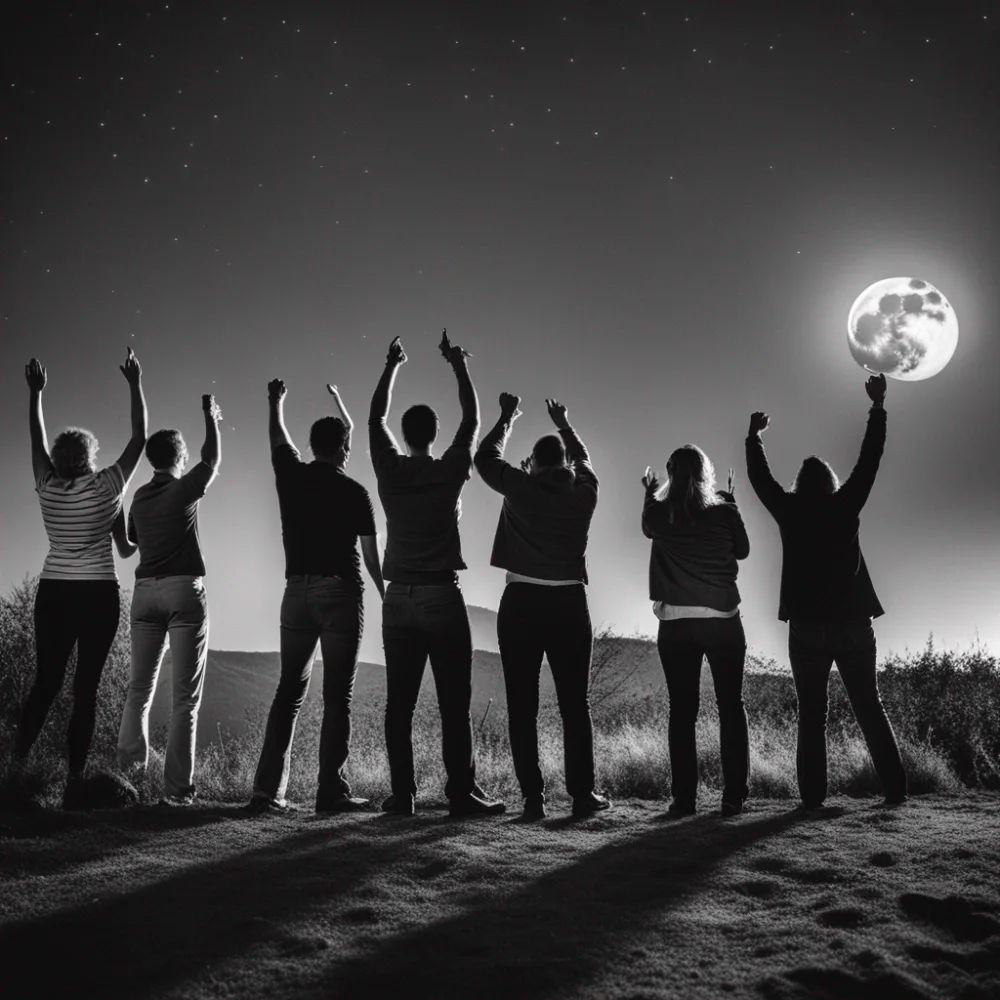
a photo of a group of people outdoors at night, looking at the moon, yelling, angry, raised arms
DALL-E 3, you're up.
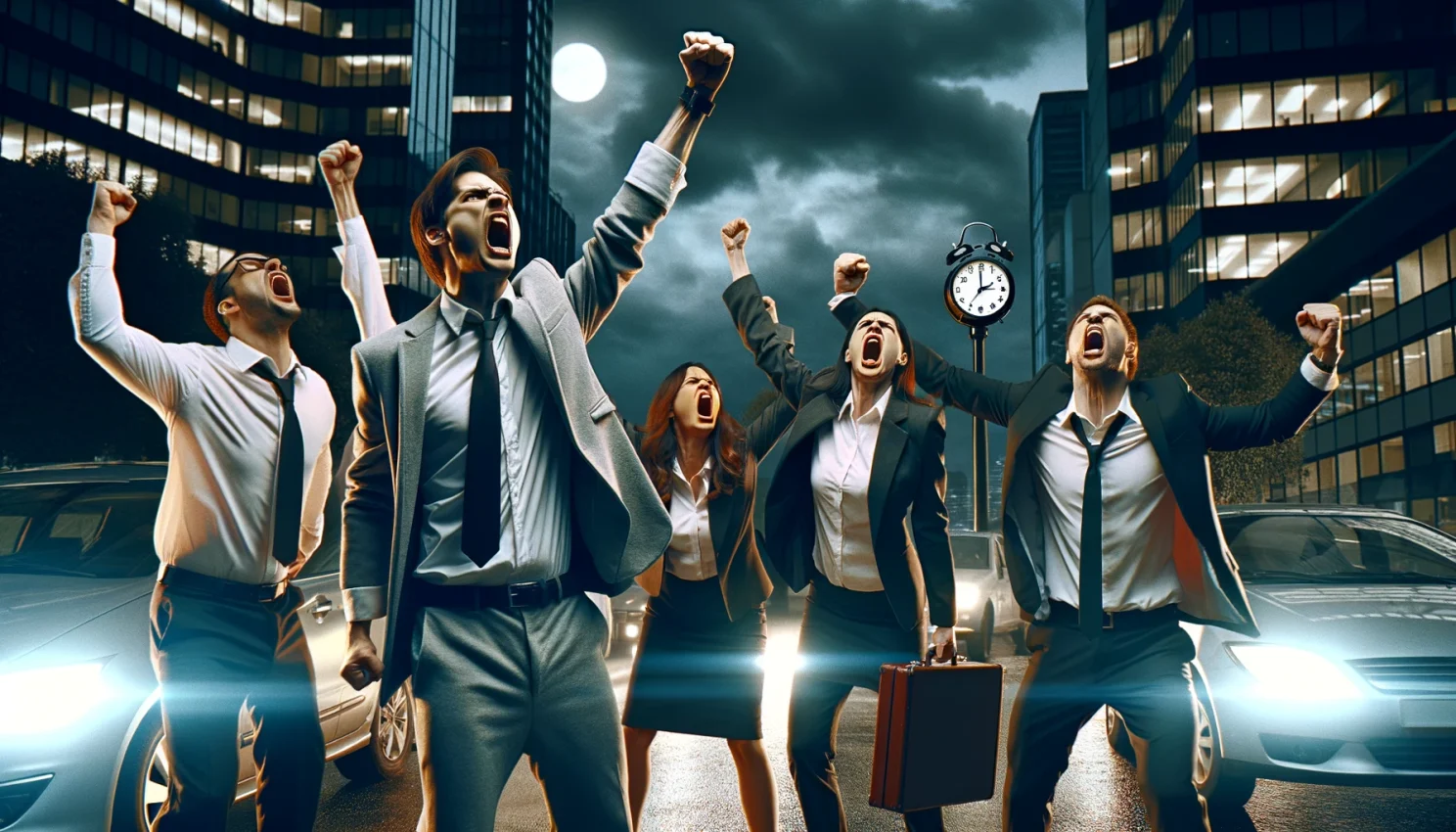
I'd like to generate a photo that captures the intense hatred some people have for the end of Daylight Savings time, when it gets dark very early. Can you depict a group of office workers in a night setting, angry at the darkness, raising their fists and yelling?
Okay, back to something more random then.
a photo of taylor swift and a fat bear, disco dancing at night, in the forest
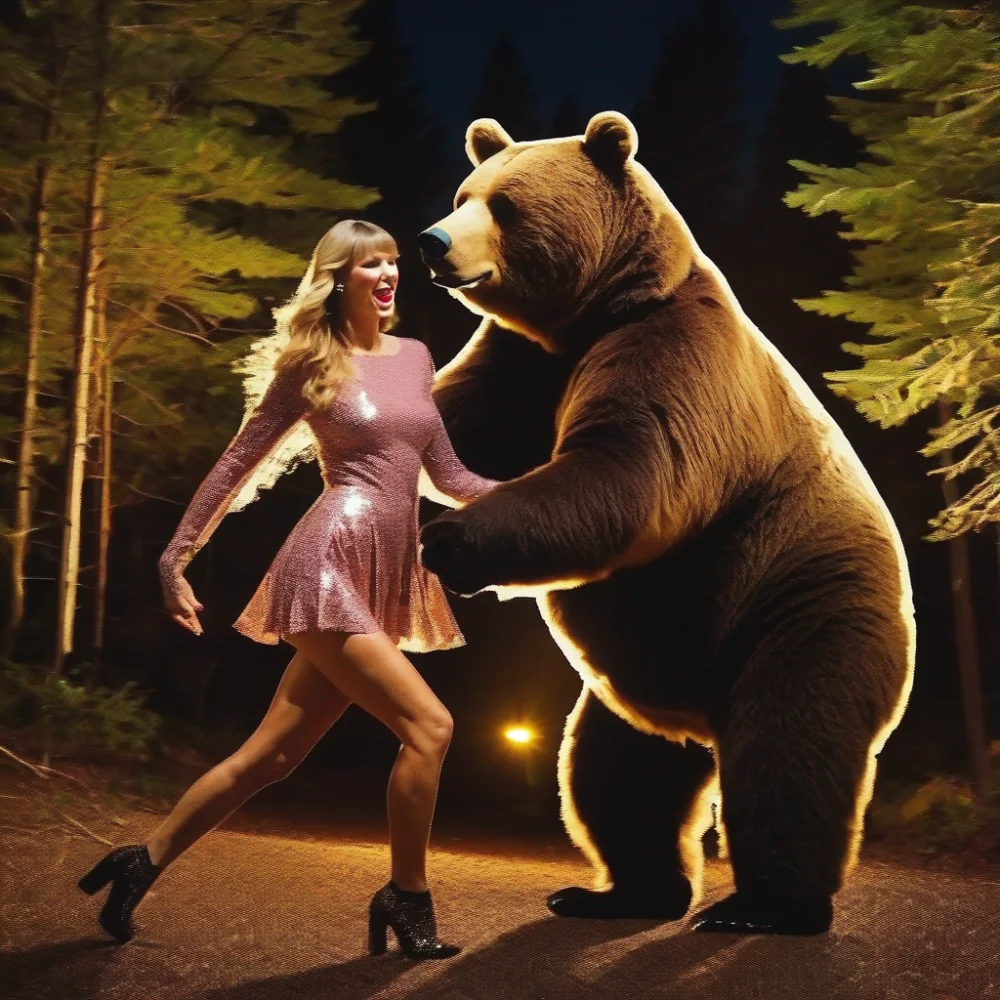
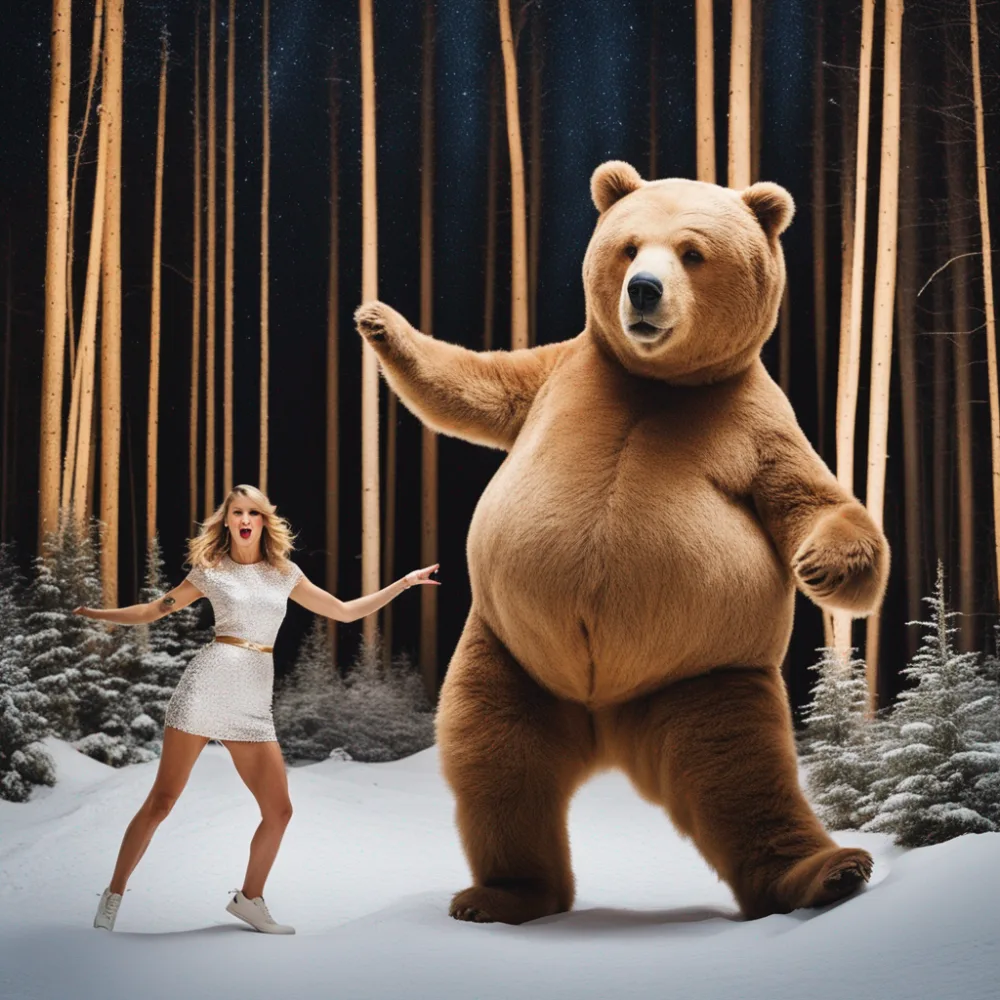
Still, it feels like nothing we've done here captures the style (and spirit) of the Gwyneth Paltrow dashcam footage images. I wonder if we just try that?
Gwyneth Paltrow dashcam footage
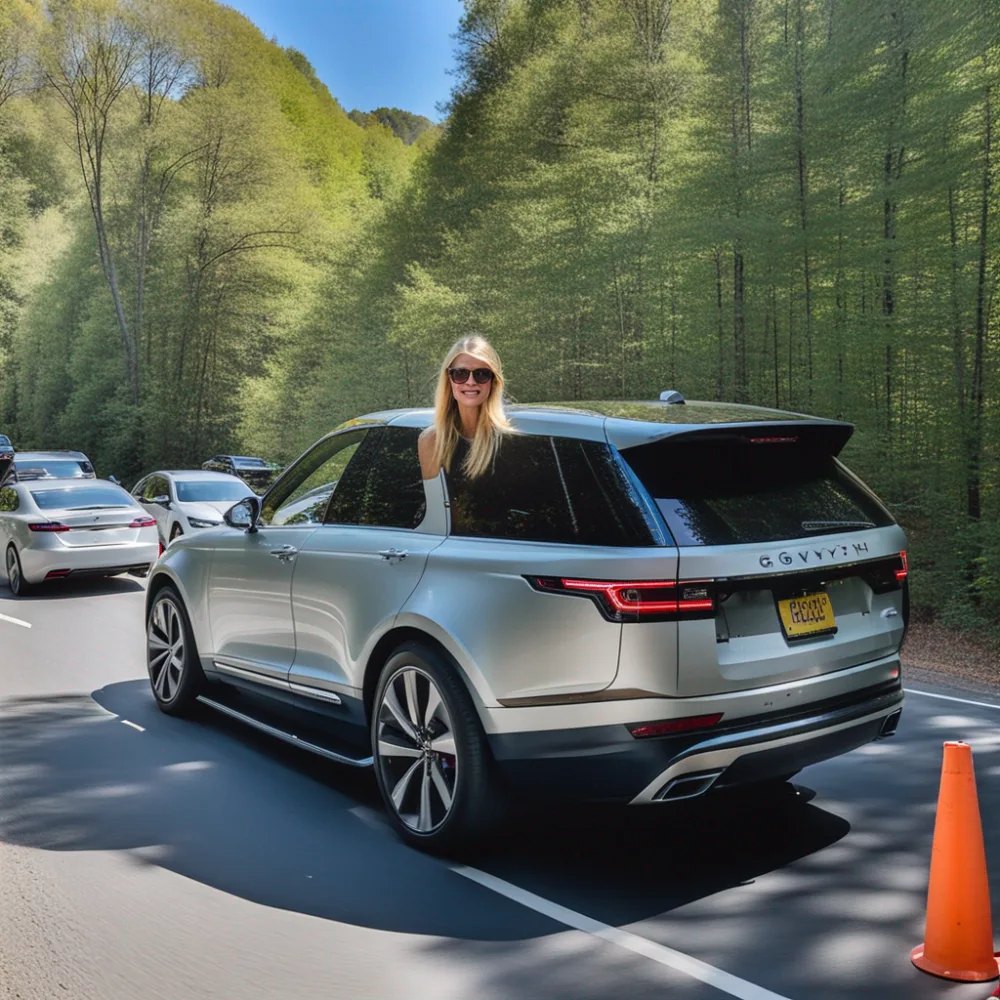
Seems like generating photos in that style is proving difficult. This might be the prompts I'm using, or it might be that the original images didn't come straight from an AI art model. But OpenAI released a new feature in ChatGPT - you can now upload an image to use and ask ChatGPT about it. Let's see if we can use the existing photo as a template?
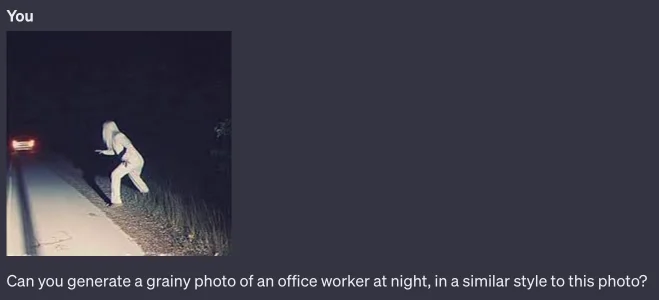
Can you generate a grainy photo of an office worker at night, in a similar style to this photo?
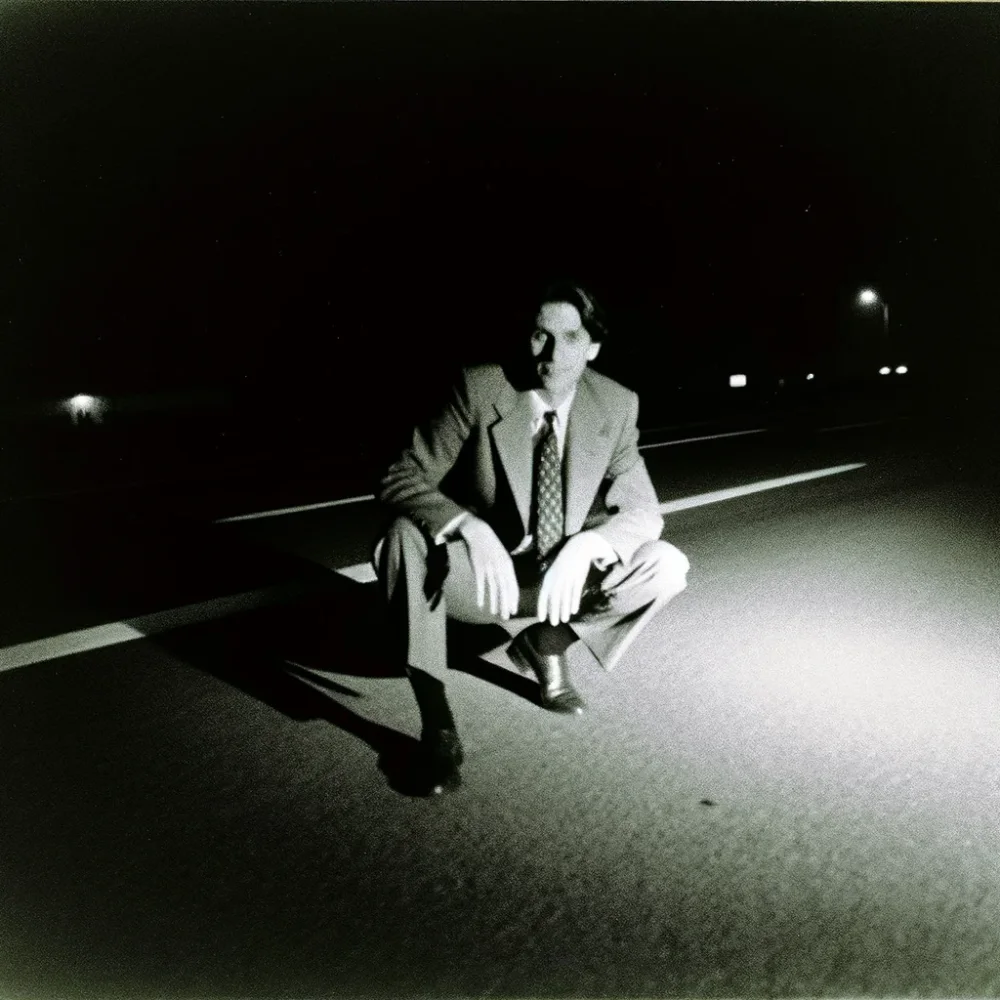
Now we're getting somewhere!
Can you make a photo of office workers having a meeting in the middle of the road, in the same style?
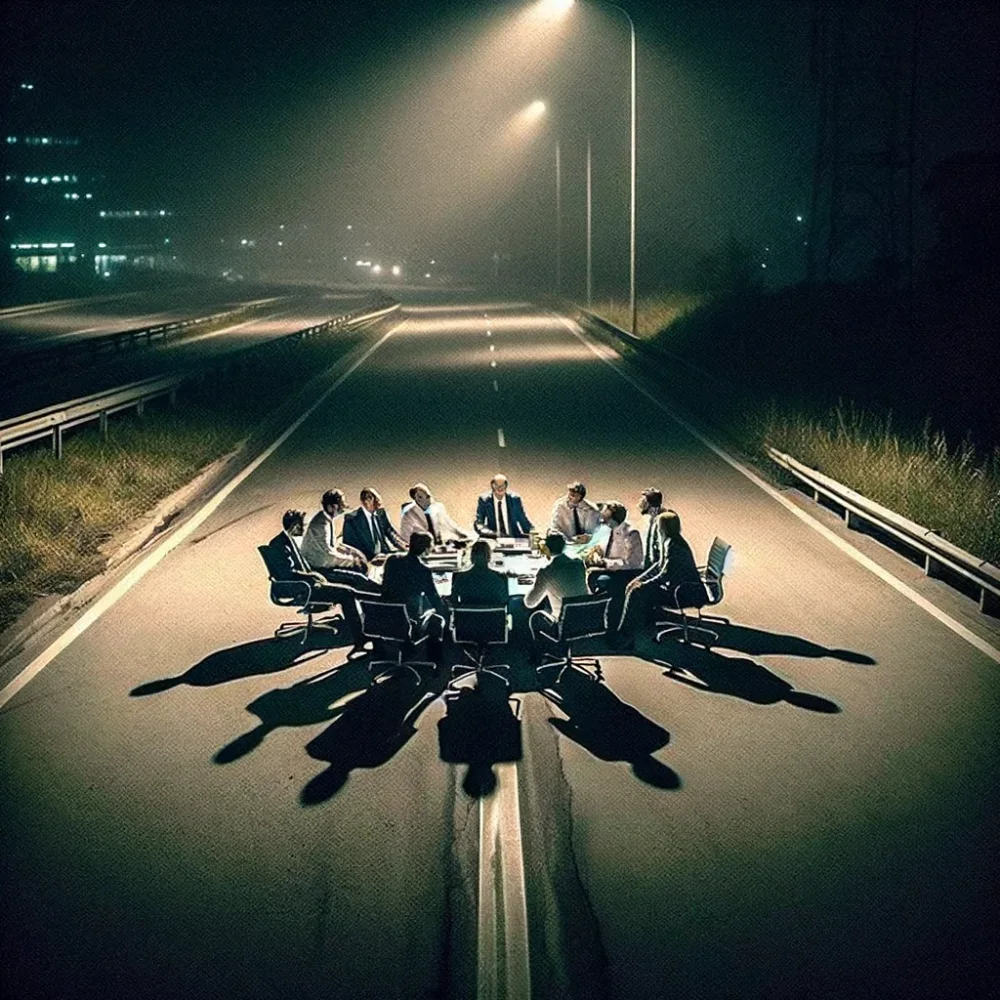
Now can you generate an image of a fat bear in the same style as the photo I uploaded, and have the bear look surprised as though it didn't want to be found?
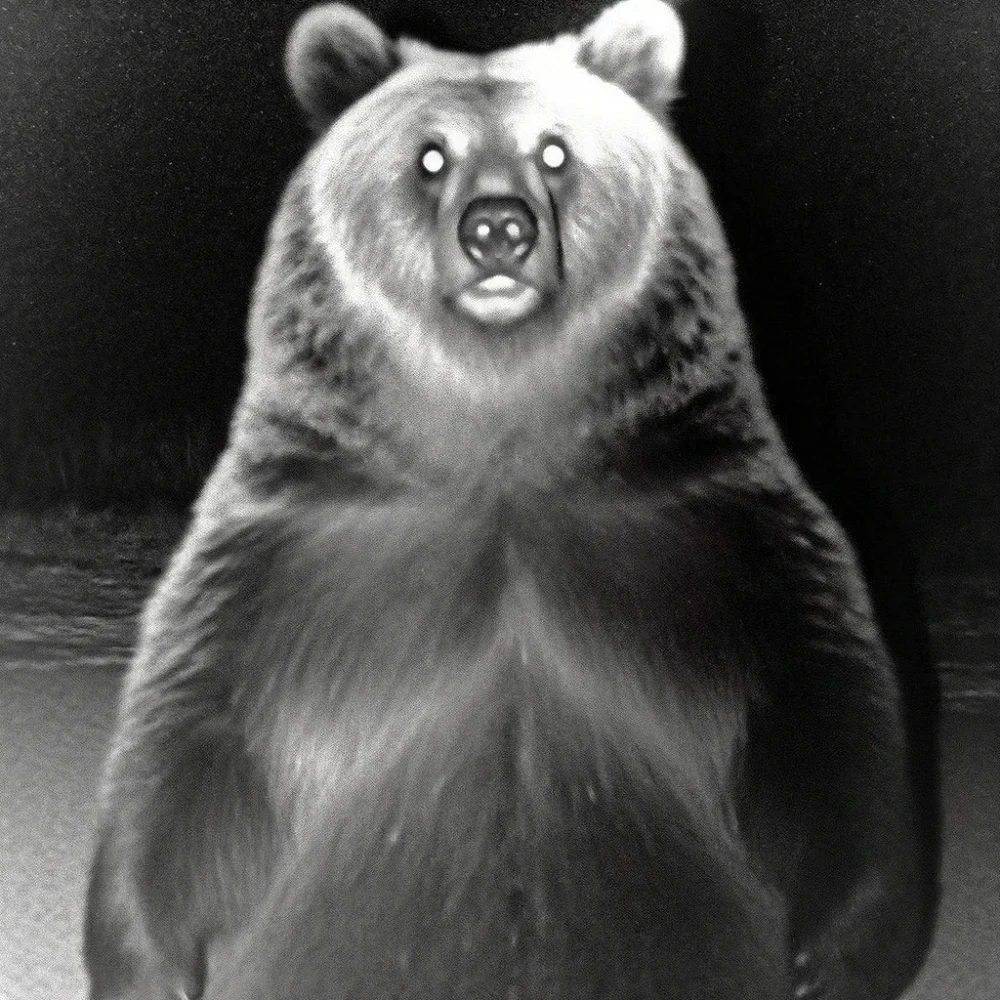
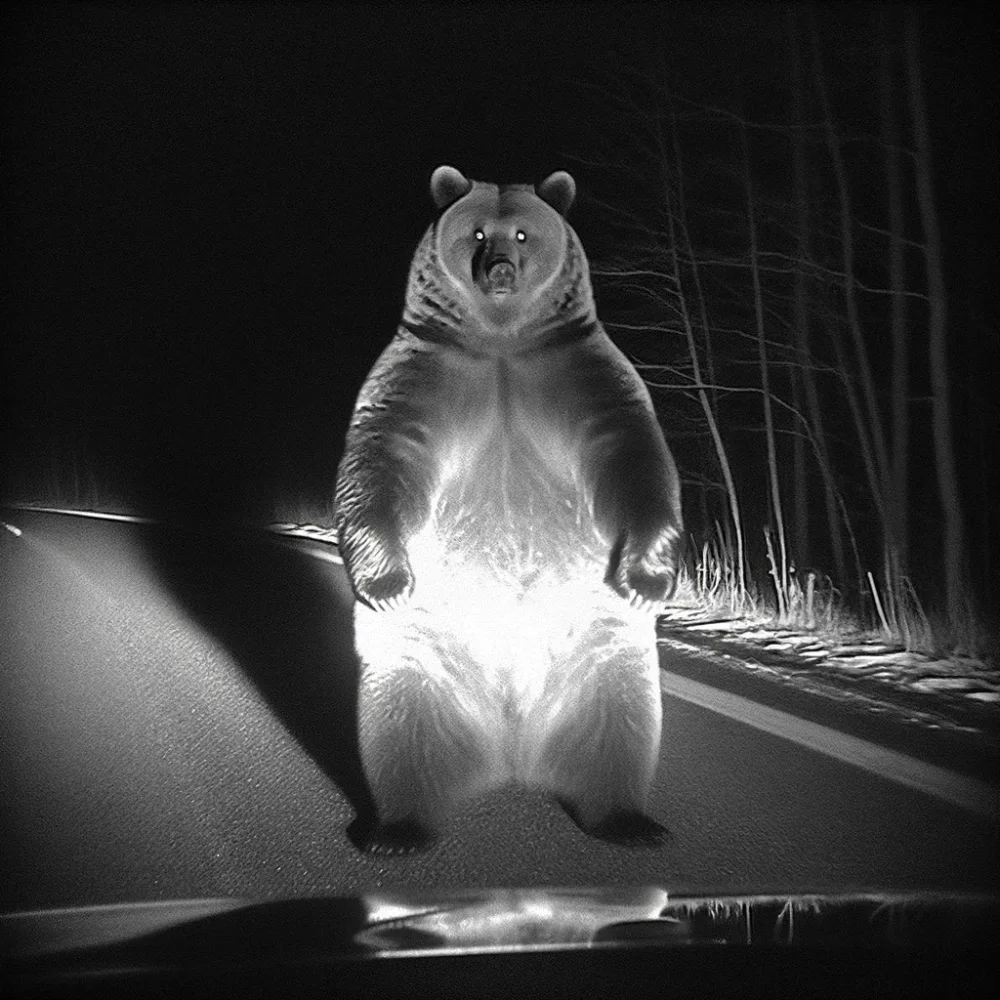
Okay now armed with a style that works, let's see if we can get a mashup of a stock photo and dashcam footage.
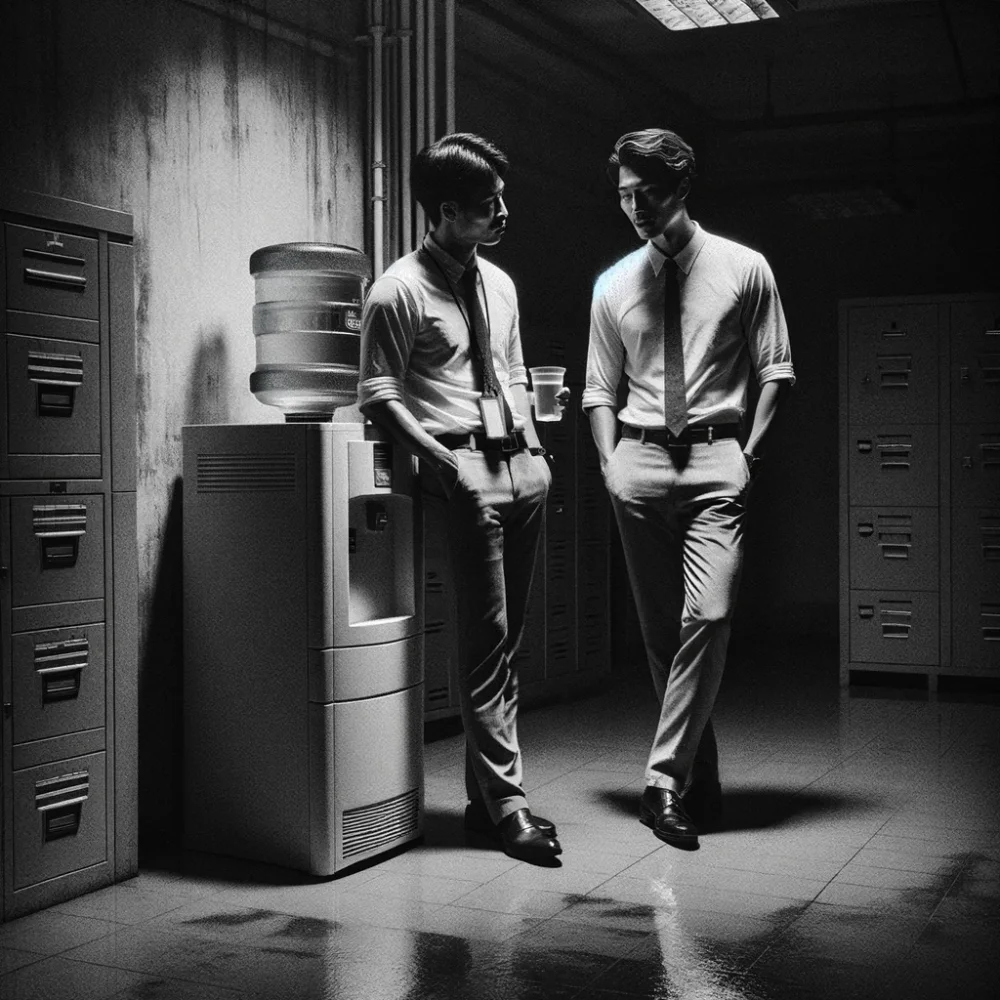
Can you generate an image in this style, but instead of a bear make it two male office workers standing next to a water cooler, talking to each other?
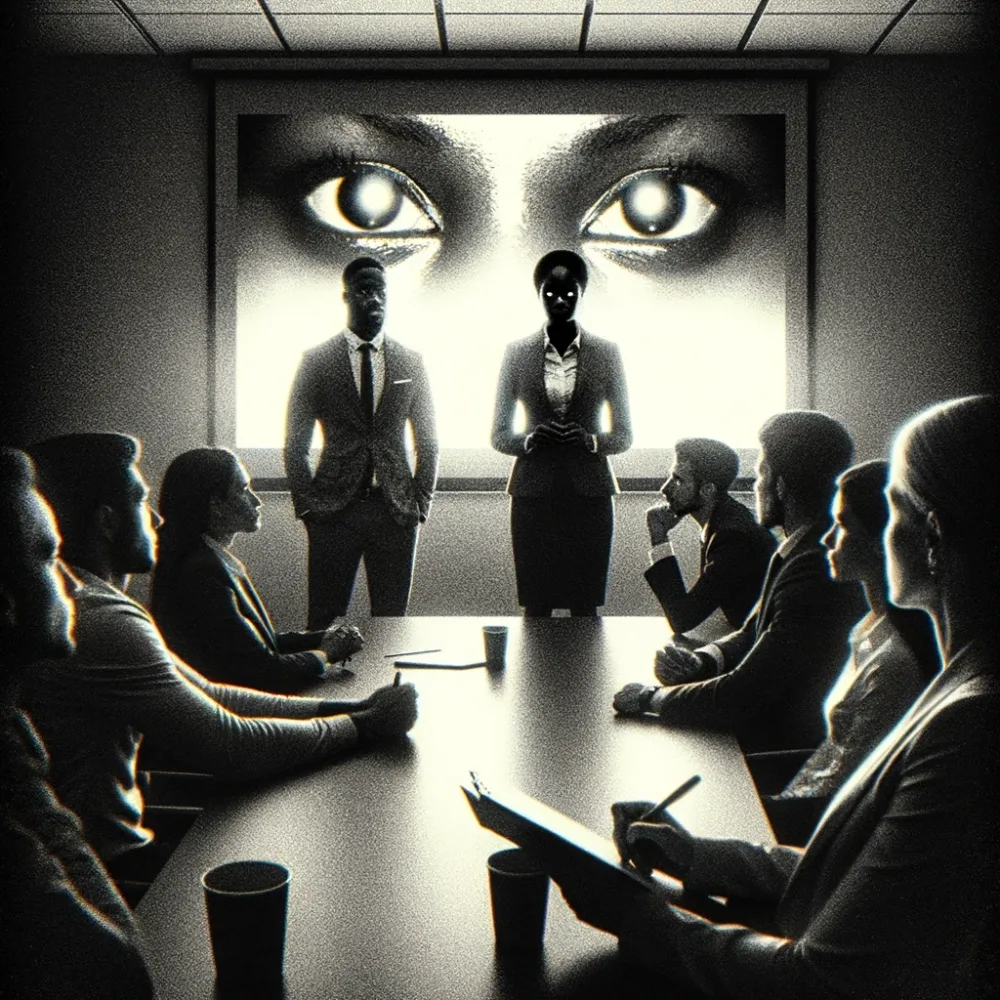
Now can you depict an office meeting of three people with different backgrounds, where one person is giving a presentation? But make the photo extra grainy and make their eyes reflect the way the bear's eyes reflected in the photo I uploaded.
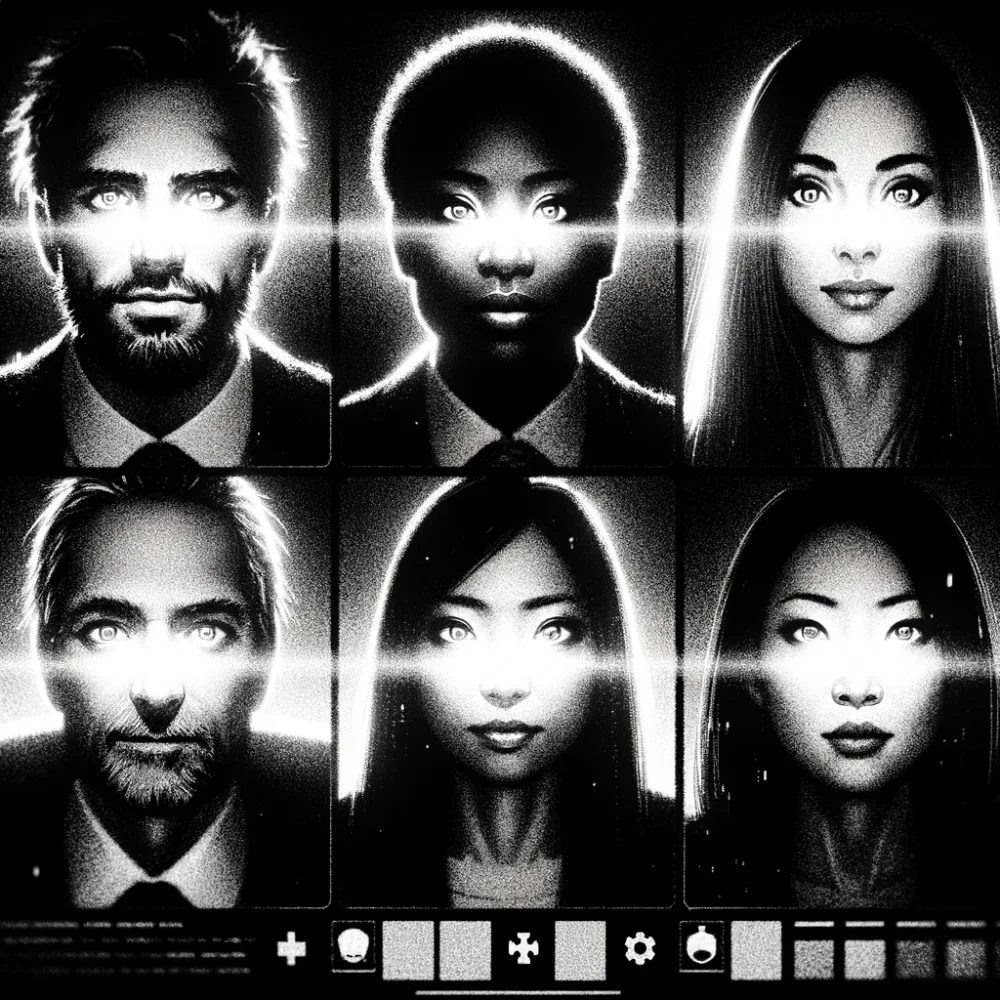
Now can you generate an image of a Zoom meeting but all of the participants are lit with night vision dashboard cameras.
We've learned a lot in this process! If you take only one thing away for your own use of AI in image generation for marketing or anything else, remember the trick where you can provide an image to DALL-E 3 and use that as a basis for generating other images in a similar style. Combined with the brand mascot trick, you can quickly create images in a consistent style with consistent characters for use in all of your collateral.
Until next week!
Can you generate an image in this exact style but instead of a bear make it an office worker waving goodbye